
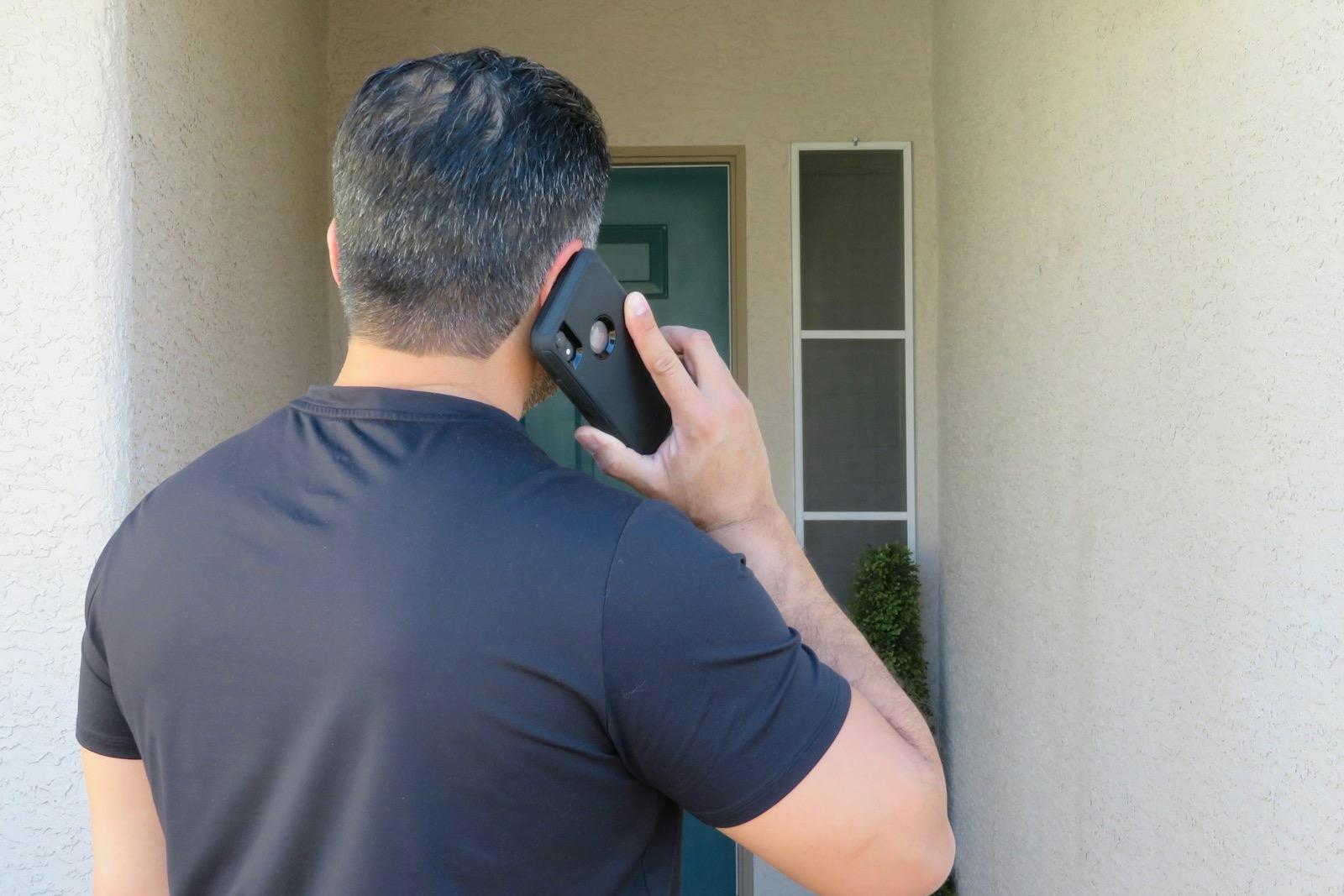
Picture two calls to your office before nine. The first is a recording: Google will mark your listing closed unless you press 1. That's a Google Business Profile scam call, and the FTC has taken one like it to court.[1]
The second says it's an automated service from Google, helping a customer find an electrician, and asks what a panel upgrade costs. That one is a customer, with Google dialing for them. Hang up, and Google has no price of yours to pass on.
There's a third kind too: Google checking your hours. For everything else that decides whether customers find you, see our local SEO checklist for home service companies.
How do you spot Google Business Profile scam calls?
Listen for what the caller wants. Google says it will never ask for payment, credit card information or account passwords.[2] It won't ask for your verification code either.[3]
| The caller says | Google's pages say | What to do |
|---|---|---|
| Pay a fee, or your listing gets removed or marked closed | A caller who asks for money to keep your business on Google isn't Google.[2] | Hang up |
| Press 1 to speak to a Google specialist | Don't press any buttons, even if the voice prompt tells you to.[4] | Hang up without pressing anything |
| Pay us and you'll be first on Google | Google's callers never ask for payment by phone or guarantee you a special spot.[4] | Hang up |
| This is an automated service from Google, about your hours or for a customer | Real calls say they're from Google and why they're calling.[4] | Answer the question |
Caller ID won't settle it: the FTC warns not to rely on it.[5] Judge the call by what it asks for.
The closed-listing threat is an old script. In 2018 the FTC sued a Florida robocall operation over calls saying Google would label businesses permanently closed.[1]
The FTC's lawsuit said the operation charged businesses $300 to $700 for a service it claimed would keep them on Google.[1] The FTC noted that verifying with Google is free, and that Google won't call to threaten to remove your company.[1] Hang up on any call that does.
What should you do when a scam call comes in?
Hang up without pressing anything. Google says pressing buttons might lead to more suspicious calls.[4] The FTC adds that pressing a number to speak to someone or get off a list will probably only bring more robocalls.[5]
Then report it. The FTC asks for your number that got the call, the caller ID, any callback number, and the date and time.[5]
- DoNotCall.gov: where Google points US businesses that keep getting these calls.[4]
- ReportFraud.ftc.gov: for reports when you lost money or know who's behind the calls.[6]
- Google's webform for fake Google calls: include the caller's company and contact details, and any emails they sent.[4]
- Your phone company: ask it to block the numbers.[4]
Google also suggests the National Do Not Call Registry.[4] The FTC says the registry is for personal phone numbers and business numbers aren't covered.[6] On a business line, rely on reporting and blocking instead.
When does Google really call your business?
For a short list of reasons, and the call says up front that it's from Google and why.[4]
- To check your details, like your hours or a service you offer, sometimes by text or WhatsApp.[2]
- For a customer who wants to book or to confirm a price and availability.[2]
- With a verification code, after you choose Phone or SMS under Get verified. Share it with no one.[3]
- To map your phone tree, the menu your callers hear.[2]
- From a Google operator about Google Ads, Google Play or another Google account.[4]
Google says these calls won't ask you to sign up for a service, pay money or give personal info.[4] After you opt out of automated calls, Google may still call by hand now and then to confirm your details.[2]
After an automated call, check Edit profile, then Collected info, if your profile has it. It shows what Google collected, from where and when. Deleting an item removes it from Google's records but doesn't change what's already on your profile, so fix wrong details in Edit profile.[7]
What is Google's AI caller, and why is it a customer?
It's Google phoning for a person who asked it to. When customers use Google Search or Maps to reach a business, Google may call that business for them, free for both sides.[2]
AI Mode is a part of Google Search where people ask Google's AI to research things, like service costs or open appointments. Its help page names home services too, such as electricians, tree cutting or exterior cleaning. When a business has little information online, Google can call for the details.[8]
Requests include booking an appointment and confirming a service's price and availability. If you share those details, the customer gets an email or text with your quote.[2]
These customer calls run only in select regions and languages: in the US, every state except Indiana, Louisiana, Minnesota, Montana and Nebraska.[2]
It isn't Ask Maps, Google's chat inside Maps. This one picks up the phone, and buyers decide quickly:
75% of consumers pick a local business within 30 minutes; 72% compare three or fewer.
Source: BrightLocal consumer search behavior study · (opens in a new tab)
So whoever answers should treat it like a customer on the line.
Should you turn off Google's automated calls?
Not the customer calls. In your Business Profile, select More, then Business Profile settings, then Advanced settings. Under "Google automated calls and text messages" you'll find three switches:[2]
- Bookings and inquiries from customers: the calls Google makes for customers. Leave it on.
- Keep your profile up to date: calls and texts that check details like your hours.
- Post to your profile on your behalf: Google may turn your answers into posts. It emails you each time, and you can remove them.[2]
Those customer calls start on Google Search and Maps, where most local searches begin:
61% of consumers started their most recent local search on Google Search or Maps; 75% used more than one channel.
Source: BrightLocal consumer search behavior study · (opens in a new tab)
The other two switches are up to you, and turning any switch off needs a verified profile.[2] While you're in settings, open People and access and check who's listed.[9] If an old agency is still there, here's how to get your profile back.
Watch the reflex, too. Google says that on a call, "Please stop calling my business" or "Please remove my business from your list" opts you out.[2] To a real Google call, that line can end the customer calls too, so say it only if you want all of them gone.
What should whoever answers the phone say?
Two rules: hang up on anyone who asks for money, a code or a button press, and give Google's customer calls a real answer. Tape these lines by the phone.
A ten-second phone script for an electrical contractor in Des Moines
- Money, a card, a password, a code or "press 1": hang up without pressing anything. Note the number, date and time.
- Google calling for a customer: answer as you would the customer. "Yes, we do panel upgrades. Most cost (your usual range), and our next opening is Thursday morning."
- If you don't quote by phone: "We price panel upgrades after a site visit, and we can be there Thursday."
- Never by reflex: "Take us off your list." To a real Google call, that can opt you out.
- Voicemail: "You've reached (company name), electricians for Des Moines and nearby towns. We answer weekdays from 7 to 6. Leave your name, address and the job, and we'll call back today."
Illustrative example
Use the same hours, services and towns as your profile, so the phone, the greeting and Google agree. For price wording, see whether contractors should put prices online.
How do you make the AI caller's job easy?
Put the answers where Google can read them. Its AI Mode page says Google calls when a business doesn't list details online, like its earliest available appointment.[8]
So make your profile match what your team says on the phone. In Edit profile, check:[7]
- Hours: main hours, plus special hours for holidays.[7]
- Services: each job you want calls for, with prices where you'd quote one, if your profile has the services editor.[7]
- Service area: the towns you really cover, as specific and accurate as you can.[7]
- Phone: a number a person answers during those hours.
Our 20-minute profile check covers the rest. When a customer calls back with your quote, note it in your lead log to see whether these calls become jobs.
Checking every month that your hours, phone and services match your website is part of our local SEO plans.
What can't you control?
Who dials your number. Google says many fake callers use untraceable numbers and other tricks to hide who they are, and stopping them isn't always within its control.[4]
You also don't choose which customers ask Google to call, and Google warns its AI responses may include mistakes.[8] You control the profile and the script. These pages were checked on November 13, 2026.