
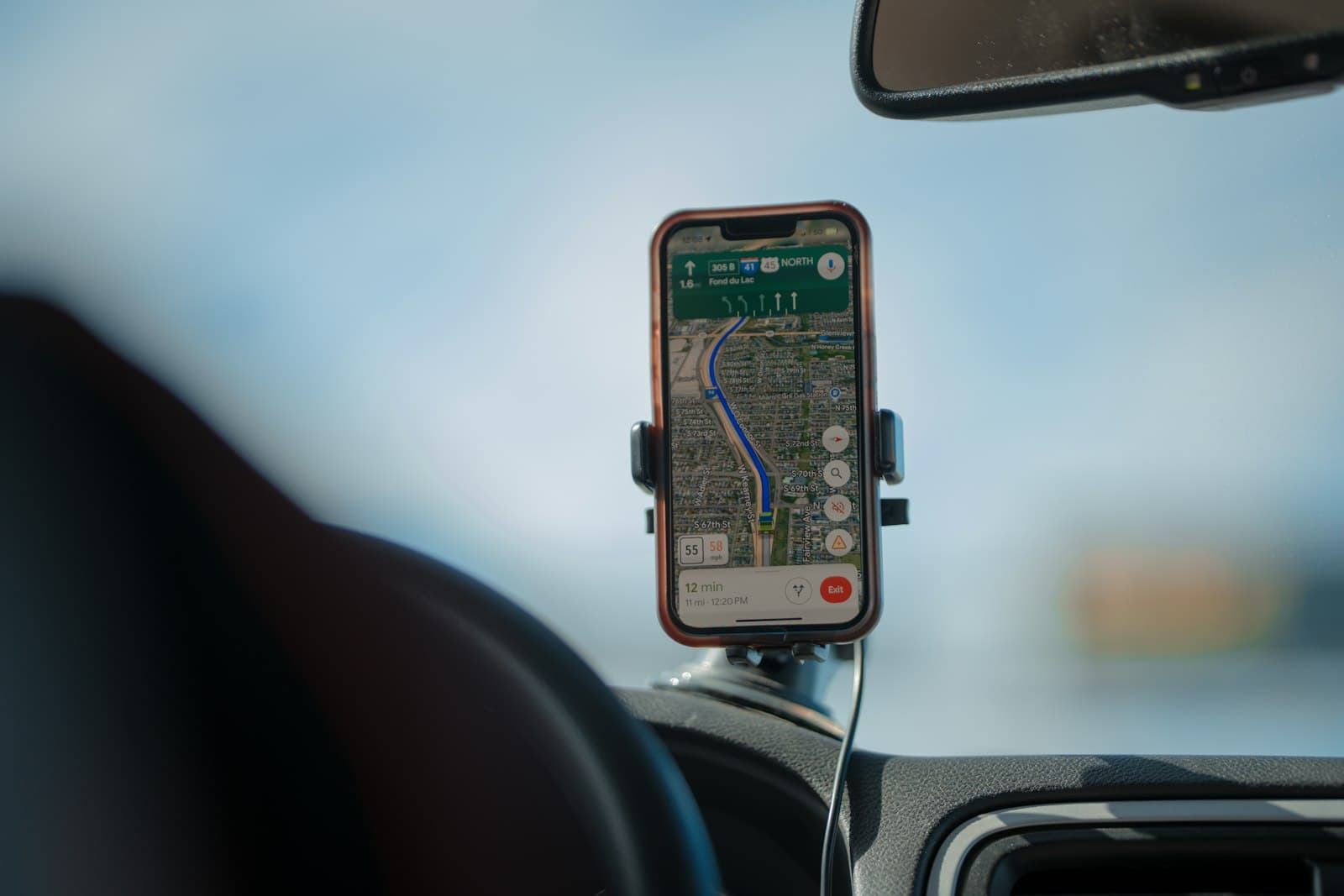
Three window companies sit in a Frisco homeowner's saved places in Google Maps. Before calling anyone, she taps Ask Maps and types: which window companies near Frisco replace fiberglass windows, and do their reviews say the crew shows up on time?
Maps answers like a conversation, with a map of the options.[1] Your company is in that answer or it isn't. Most of what you can change is the same work as for the rest of Maps, and our local SEO checklist for home service companies covers it. Here's what's specific to Ask Maps, as of October 2026.
What is Ask Maps, and who can use it?
It's a chat inside Google Maps: a customer asks a question and gets an answer, with follow-up questions and links to the web.[2] In the Android app, the button sits under the search bar.[2]
Google announced it on March 12, 2026, in a post on reimagining Maps with Gemini, and said it was rolling out in the US and India on Android and iOS.[1] On August 6, 2026, Google said it was rolling out in six more named countries, including Canada and Mexico, plus over 150 countries and territories in English.[3]
It isn't AI Overviews, AI Mode or the Gemini app, which how to check what Google's AI says about your company covers. It lives inside Maps, and Google Search or Maps is where most people start a local search:
61% of consumers started their most recent local search on Google Search or Maps; 75% used more than one channel.
Source: BrightLocal consumer search behavior study · (opens in a new tab)
Find the button on your phone tonight.
Where does Ask Maps get what it says about you?
From several places. None of the Google pages I read gives a full list, but they point to these:
- Places and reviews. Google's March post says that, to build a trip plan in Ask Maps, Maps analyzes information from over 300 million places, including reviews from more than 500 million contributors.[1]
- Place data and the Maps community. For an earlier feature, in October 2024, Google said people could ask Maps about a place, like whether it has outdoor seating, with answers grounded in its place data and insights from the Maps community.[4]
- Your profile and website. Google says profile information comes from owners, from people who contribute facts, photos and reviews, from licensed data and from web content such as a business's own website.[5]
- Customer tips. With Tell Maps, people in the US can post short tips about a place.[6] Google's August post says Ask Maps will surface a tip like that to others.[3]
- Pages on the web. Answers come with links to the web, and Google tells users to double-check important information.[2]
Reviews deserve extra care, because buyers already read AI summaries of them:
82% of consumers read AI-generated review summaries; 23% would decide on those alone.
Source: BrightLocal Local Consumer Review Survey · (opens in a new tab)
For a window and door company, that's five places to look: profile services and description, photos, reviews, customer tips and your website.
How do you see what Ask Maps says about your company?
Ask it yourself, the way a buyer would. Google suggests asking more than one version of a question and clicking the source links.[2]
First, turn off Personalized Recommendations. Google says Maps can use your searches, saved lists and posted reviews to personalize AI answers, and its page links to that setting. If you don't see it, the same page says Web & App Activity still controls personalization.[7] Your own searches and saved places could tilt the answers.
- Write six buyer questions, each with a company's name and your town.
- Ask them about your company, then about two competitors you often lose jobs to.
- Copy each answer word for word and note where every link goes.
- Repeat monthly with the same questions.
A recording sheet for a window and door company in Frisco, Texas
- Leave every answer cell empty until you've read the screen.
- Questions: Do they replace fiberglass windows? Install sliding patio doors? Serve Prosper and Little Elm? Show up on time, by their reviews? Help with HOA approval? Offer financing?
- Columns: date, personalization on or off, company asked about, answer copied word for word, right or wrong, links shown, and where the right answer should live (services, service area, description, reviews or a website page).
Illustrative example
A roofer would ask about tear-offs and permits instead, and the columns stay the same. Our audits ask the AI assistants we test (currently ChatGPT, Claude and Perplexity), not Ask Maps, so this check is yours.
Which fixes give Ask Maps better facts about you?
Start with your Business Profile, because you control it. No fix decides what Maps writes, but each one improves what Google has on file about you.
- Services and description. Take each question from your sheet and find the line on your profile that answers it. If nothing there says you replace fiberglass windows or install sliding patio doors, add each as a service, or to your description, in a customer's words.
- Hours and service area. Set your main hours and special hours, and for your service area Google asks you to be as specific and accurate as possible.[8] Setting your service area has the steps.
- Photos of real jobs. See how to photograph your jobs.
- Review replies. Answering a negative review covers the hard ones.
- New reviews. Ask every customer and let them write what they like. Google's Maps policy doesn't allow businesses to selectively ask for positive reviews, and says they shouldn't request specific content.[9] How to ask for Google reviews has scripts.
- Pages that answer the questions. Questions a profile can't answer in a line, like financing or HOA approval, belong on your website. See how to write a service page.
Then watch your inbox. In August 2026, Google said suggesting edits by chatting in Ask Maps was rolling out in the US, with its systems reviewing suggested edits for accuracy.[3] In April 2026, it started rolling out email alerts so verified, active owners can review important edits before they go live.[10] Open them the day they arrive.
Our 20-minute profile check covers the other fields.
What can you do when Ask Maps gets your company wrong?
Fix the source, then report the answer. The Google pages I read describe no way for an owner to edit an Ask Maps answer.
Open the answer's links to find where the wrong detail lives, and fix it there. Then tell Google: it says AI answers can sometimes be incorrect, and you can tap the thumbs-down under the answer, pick a reason, describe the issue and tap Submit.[2] What to do when AI gets your details wrong walks through it.
Which shortcuts should you stay away from?
Anything that fakes what Maps reads:
- Keywords in your business name. Google's guidelines say unnecessary information in the name isn't permitted and could get your profile suspended, and they list service and location details among what a name must not include.[11] Adding "Window Replacement Frisco" is the kind of extra they mean.
- Bought or fake reviews. Google's Maps policy calls paid reviews fake engagement that will be removed,[9] and the FTC's Q&A on its reviews rule says you can't suggest reviews must be positive (or negative) to get a promised incentive.[12]
- Tips about your own company. Google's Maps policy counts content based on a conflict of interest, such as employment, as rating manipulation.[9] Leave tips to customers.
- Anyone selling a spot in Ask Maps. None of the Google pages I read describes a fee that buys a place in an Ask Maps answer, and Google says there's no way to request or pay for a better local ranking.[13] Say no to that pitch.
What can't you control in Ask Maps?
The answer. Google writes it and can personalize it for each account,[7] so your sheet shows what one account saw.
There's no Ask Maps line in your Business Profile numbers either. Google's performance page lists views, searches, calls, website clicks, directions and more, and none is named for Ask Maps.[14] So ask new callers how they found you.
The feature keeps changing too. In March, desktop was coming soon,[1] and the help page now has steps for a computer.[2] Re-read Google's pages before you act.
If you'd like a second pair of eyes, the Free AI visibility check is a review by hand of your website and Google profile, with the first fixes, usually within two business days. It doesn't put questions to Ask Maps or any other AI assistant. The Expert Action Plan ($149) is the Complete Visibility Report plus a 30-minute consultation, and our local SEO plans start at $750/mo, month to month.
These pages were checked on October 18, 2026.