
A pickup you don't know pulls up outside your house at half past seven on a Thursday. The driver comes to the door, phone in hand, and asks if this is the shop. Google told him it was.
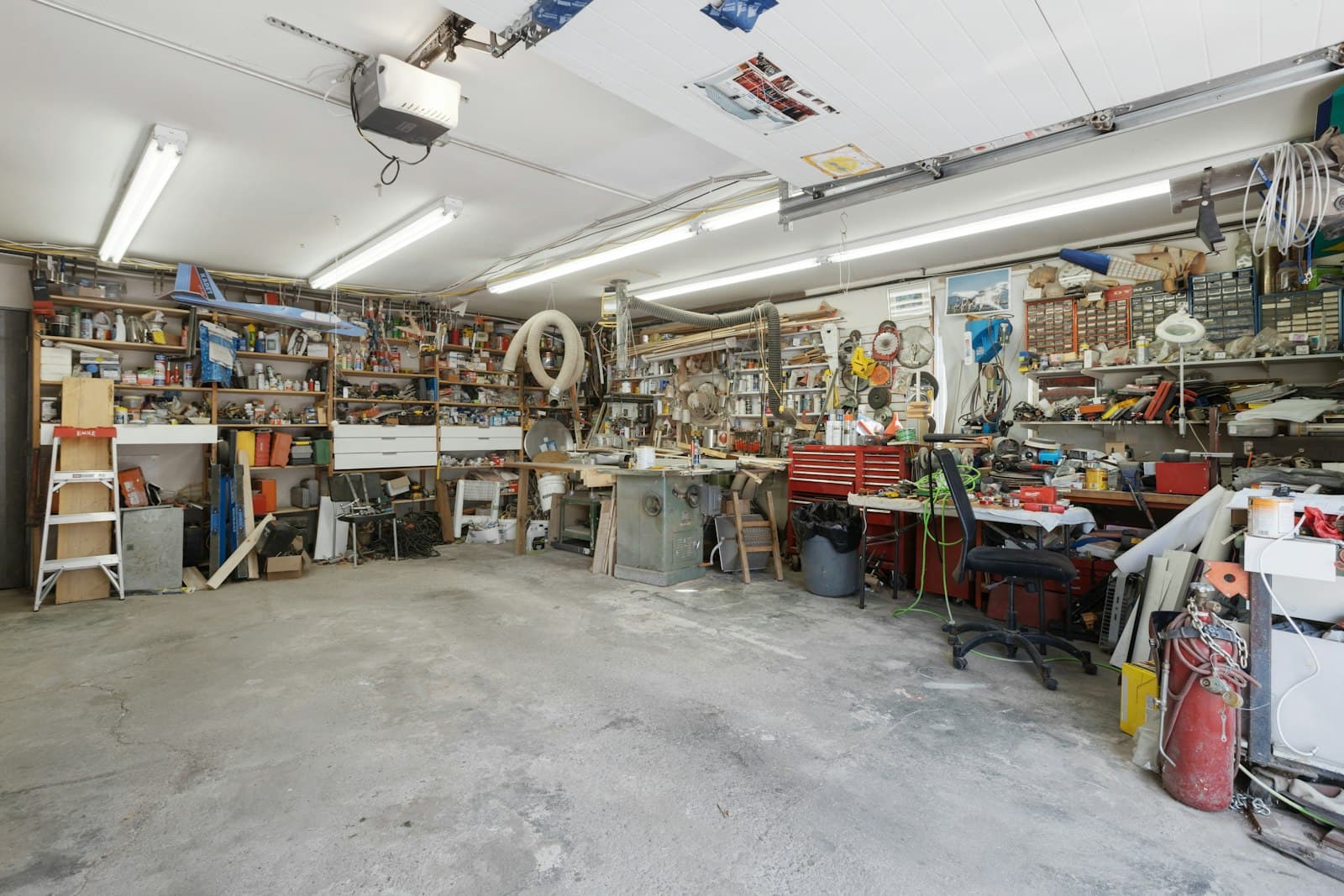
It's your garage, and no customer was ever meant to come inside. Or maybe your profile is suspended and you can't tell which rule you broke.
Does Google count your company as a service-area business?
Yes, if your crew goes to customers and they don't come to you. Google defines a service-area business as one that visits or delivers to customers but doesn't serve them at its own address.[1] A hybrid also serves customers at its own address, like an auto shop with a garage that does roadside calls too. Google lets that kind show its address if staff are there to receive customers during its stated hours.[2]
Here's the test I'd use: could a stranger turn up during your listed hours and get helped? If not, hide the address. Google's guidelines say a service-area business should, and their example is a plumber working from home.[2]
Two companies, two setups
- A tile contractor in Columbus works from a garage, and nobody is there to meet customers. Address hidden, service area set.
- A generator dealer in Round Rock has a showroom with staff at the counter, and its crews also install at homes. Address shown, service area added.
Illustrative example
How do you hide your address and set your service area?
In the profile editor, under Location. Sign in to the Google account that manages the profile, search your business name and city, and choose Edit profile.[3][4] Then:
- Choose Location.
- Next to Business location, choose Edit, turn off Show business address to customers, then Save.[4]
- Next to Service area, choose Edit, pick a suggestion or type your own, then Save.[1]
The address on a profile is public, Google says, and if you hide it without adding areas, Google picks a local area for you.[4]
Address changes usually show within about ten minutes, though some take up to 30 days,[4] and service area edits can take up to 48 hours.[1] Then search your company name on a phone that isn't signed in to Google, to see what a stranger sees. The local SEO checklist for home service companies covers what surrounds the profile.
Which towns belong on the list?
The ones where you'd say yes to a job tomorrow. Google allows up to 20 areas, set as cities, postal codes or other places, and asks you to be specific and accurate. The whole area shouldn't stretch past about two hours' drive from your base, and you can't draw a radius.[1]
One profile covers the whole area. Google allows one profile for each separate location that has its own staff and service area, like a real second yard. A garage with a long list of towns is still one location.[2]
Website pages for each town are a different decision, and our piece on when city pages help and when they become spam covers it.
Which address workarounds does Google reject?
Any address you don't actually work from. Google says to create the profile for your real-world location, and it rules these out:[2]
- A P.O. box, or a mailbox at a remote location.
- A rented mailing address or virtual office where nobody from your company works.
- A co-working desk, unless the office has clear signage, receives customers during business hours and is staffed by your own people.
Google can suspend or disable a profile that breaks the rules. If that happens, use its appeals tool, and don't start a new profile while the appeal is open. You can add evidence such as a business license or a utility bill, but once you open the evidence form you have 60 minutes to submit it.[5]
How do you get verified with no storefront?
Google picks the method for you, based on your business type, public information, region and hours.[6] You still give it an address it can find, and hiding that address from customers is a separate switch.[4]
A postcard code usually arrives within 14 days and expires after 30 days. While you wait, Google says not to request another code or edit your name, address or category.[6]
If Google asks for a video, film one unbroken take of at least 30 seconds, live, on your phone, through your profile.[7] For a service-area business it wants:
- Signs or landmarks near your base. From home, your immediate neighborhood counts.
- Your tools or branded gear.
- Proof you run the company, such as a permit or invoice with its name, or you opening a van that carries it.
Google says to keep bank, tax and ID numbers, private information and other people's faces out of the video, so I'd leave the family out.[7]
What should your website and other listings say?
The same story everywhere. Google says it decides how to show your address from your own information and from other sources,[2] and it doesn't say which. So I'd make them all tell the same story: the towns you serve, a phone number and a contact form on your site, and no street address. If your site has a schema markup block, leave the address out of that too.
Then search your company name and phone number and note every listing that shows the home address. Hiding it on Google changes none of them, so claim each one and fix it there. Yelp, for one, lets businesses in qualifying categories hide the address and list service areas.[8]
If the address has been public for years, you can't pull it back everywhere. Google's Results about you tool lets you ask it to drop search results that show your home address, but Google treats some results, business websites among them, as valuable to the public and may not offer a remove option. Even a removal leaves the page itself up, so you'd still ask the site's owner.[9] If an AI assistant keeps repeating the old address, here's how to chase it down.
If you'd rather not hunt yourself, our local SEO audit checks that your name, phone, hours and service area match across your profile and listings. The Expert Action Plan ($149) is the complete report plus a 30-minute consultation.
What hiding your address won't do
It won't decide where you rank. Google says local results depend mainly on relevance, distance and prominence, meaning how well known a business is. Its page doesn't say how a hidden address or a service area figures into distance. I don't know, and nobody outside Google does.[10]
It won't fill a thin profile either. Google says businesses with complete, accurate information are more likely to show up, and that you can't pay for a better local ranking.[10] Our Google Business Profile checklist covers the other fields, and how to photograph your jobs covers the photos.