
It's after supper in Fort Wayne, and you finally tap Get verified on your company's Google profile. The only choice on the screen is a business video. Google Business Profile video verification is open to a contractor with no shop.[1]
Until the profile is verified, Google says, your business info can't show on Maps and Search.[2] And that's where most people began their latest local search:
61% of consumers started their most recent local search on Google Search or Maps; 75% used more than one channel.
Source: BrightLocal consumer search behavior study · (opens in a new tab)
Can you pass video verification without a storefront?
Yes. Google says video verification works for service-area businesses, the ones that go to customers and don't serve them at the business address.[1] Its own examples are a locksmith and a plumber.[1]
What changes is what you film. A storefront shows its sign and opens its cash register on camera. Working from home, you can film the signs and landmarks in your immediate neighborhood instead, Google says.[1]
Google's guidelines add that a service-area business run from home should hide its address from customers.[3] Our guide to hiding your home address on Google shows the setting. For everything around the profile, see our local SEO checklist for home service companies.
Why can't you verify by phone or postcard?
Because Google chooses the methods, and its help page says they can't be changed.[4] The options depend on your business type, public info, region or business hours.[4]
The same page lists a phone call or text, an email, a live video call and a postcard by mail. It recommends the recorded video when you're eligible.[4]
A phone or text code needs someone to answer the business number or read its texts. Google says automated phone menus (IVR systems) won't get the code.[4]
If your profile shows more than one option, you can try another one.[4] Google also says it sometimes verifies a profile instantly, for example when you've verified your website in Google Search Console.[4] That's one more reason to set up Search Console.
What do you film for Google Business Profile video verification?
Three things, in one unedited take of at least 30 seconds, recorded live on your phone through your Business Profile.[1] Google doesn't accept a clip filmed earlier, or one recorded offline and uploaded later.[1] For a service-area business, the video must show:[1]
- Where you operate: street signs, nearby landmarks or other markers at your business address. Skip empty land and spots with no clear markers.
- That the business exists: the tools, equipment or products you work with. Google's list includes specialized machinery, your workspace, business cards and branded clothing your crew wears. If the crew is in the shot, keep their faces out of frame.
- That you run it: film yourself doing the work, or opening something only the business can access, like a van with your company's branding. You can also show a business permit, invoice or utility bill that matches the name on your profile.
Keep out bank, tax and ID numbers, private details about you or anyone else, and other people's faces.[1] Fold the account number under on that utility bill, and keep the family out of the shot.
A one-take plan for a roofing company run from a house in Fort Wayne
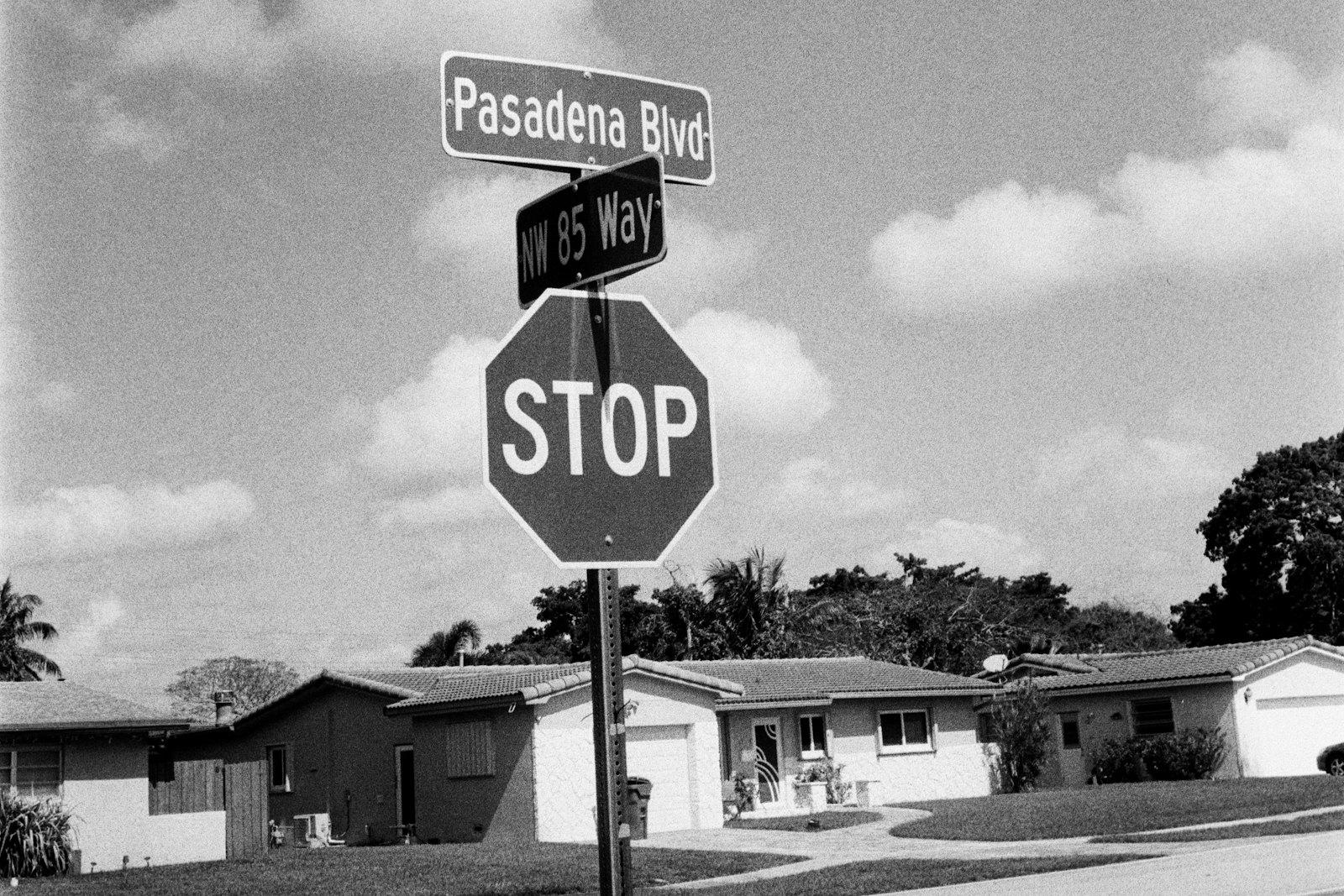
- Start at the corner: hold the street sign in frame until it reads clearly, then walk back past the house numbers on your block.
- At the truck in the driveway: film the company name on the door, then open it with your key.
- In the bed and on the rack: the ladders, roofing nailers, tear-off shovels and shingle bundles.
- The paperwork: a recent invoice with the company name on it and the customer's details covered, held still until the name is readable.
- If a neighbor walks into the frame, stop, tap Try again and start a new take.
Illustrative example
What should you check before you record?
Google's page says to plan the video before you record.[1] Run through this list first:
- The name matches. Your invoice or permit should show the same name as your profile.[1] Google wants that to be your real-world name, with nothing added, such as a town or a service.[3]
- The phone is ready. Charged, and signed in to the Google Account linked to the profile.[4]
- The light is good. I'd film in daylight, so the street sign and the name on the invoice are easy to read.
- The route is planned. Walk it once without recording, so the real take has no dead stretch.
How do you record and upload the video?
On your phone, from inside the profile. These are Google's steps:[1]
- Go to your Business Profile and tap Get verified. If asked, enter your phone number and tap Next.
- Tap Business video, then Next, and read the requirements. Allow location, camera and microphone access if asked.
- Tap Next, then Start recording, and tap the record button. Walk your plan, then tap the stop button.
- Watch the video back. If something is missing, tap Try again.
- Tap Upload video.
If the upload fails, upload it again. Google says some videos don't go through on the first try.[1]
How long does the review take, and how will you know?
Up to 5 business days, Google says, and on rare occasions longer.[1][4] When the business is verified, you get a confirmation email.[4]
If the video doesn't pass, a Review issues notification appears on your profile, and Google shares the reasons.[1][4] If the Get verified button shows up again instead, Google couldn't completely verify the business, and it says to try again.[4]
Google says you can delete the video anytime: tap More, then Business Profile settings, then Advanced settings, then Delete videos under Video uploads. If you don't, Google deletes it later.[1] I'd wait until the result is in.
If you're verified and still don't show up near your own base, work through why a business isn't showing on Google Maps.
What do you do if Google rejects the video?
Record a new one that fixes what Google flagged under Review issues. Its examples:[1]
- Business name not visible on storefront.
- No nearby area shown.
- Missing proof of authorization to operate the business.
The new video must include everything from the first one, plus whatever was missing.[1] If it still fails, Google says to try another available method.[1] Its support team can help, but Google asks you to try the methods on offer first.[1][4]
Don't start a second profile while you wait. Google allows only one profile per business, and it keeps duplicates off Search and Maps.[5] A new one would also start with no reviews, and buyers notice:
47% of consumers won't use a business with fewer than 20 reviews.
Source: BrightLocal Local Consumer Review Survey · (opens in a new tab)
Skip these too:
- Filming an address you don't work from, like a P.O. box or a virtual office. Google's guidelines rule out both.[3]
- Handing verification to someone else and walking away. Google's rules say anyone who manages a profile for you must work directly with you to complete verification.[6]
If an old marketing company still owns the profile, ownership comes before verification. Here's how to get your Google profile back from an agency.
Which edits can send you back to verification?
Changes to the details Google checks. Its help pages name three:
- Business name: change it after you're verified, and you might need to verify again.[7]
- Address: move to a new address after you're verified, and you must verify again.[7]
- Category: add or edit one, and you might be asked to verify again.[8]
Google's video page puts it more broadly: changes to your business info may require re-verification.[1] So settle the name, address and categories before you film, then leave them alone. Our Google Business Profile checklist covers those three first, then the fields worth filling once you're in.
When is it worth getting help?
When the profile has history you can't untangle on your own: a duplicate, an old owner, or a name that doesn't match your trucks. Our local SEO audit checks your profile, listings, reviews and service pages and puts the fixes in order. The Expert Action Plan ($149) is the full report plus a 30-minute consultation.
On our local SEO plans, we work on the profile with manager access while you stay the owner. Verification stays in your hands, since Google wants helpers to work directly with the owner on it.[6]
Which parts are up to Google?
Google decides which methods it offers, how it judges your video and how long the review takes. The Google pages cited here were checked on November 13, 2026.
What you do control is the take. Plan the route tonight, check the name on your paperwork, and film it in daylight tomorrow.